News
-
[Progress Report Unpainted] - the Wearable Iron Man Mark 47 in Spider-Man: Homecoming / Mark 46 in Captain America: Civil War - Helmet, Neck, Chest and Back Armor
Demonstration of the helmet,neck, chest and back armor the Wearable Iron Man Mark 47 Armor in (Spider Man Homecoming) & Iron Man Mark 46 Armor in (Captain America Civil War)
They are the latest model of the Iron Man armor in the movie. We have been working on this fantastic armor costumes for over 10 months. As usual, the quality of our armor costumes will be movie-accurate and ultra-realistic. Nevertheless, with the cutting-edge technologies and high standard requirements on it, the Iron Man Mark 46/47 armor costume suit will be one of the best suit we have ever produced!
Follow us and stay tuned!
Youtube: https://youtu.be/nc1tfKZ584Y
-
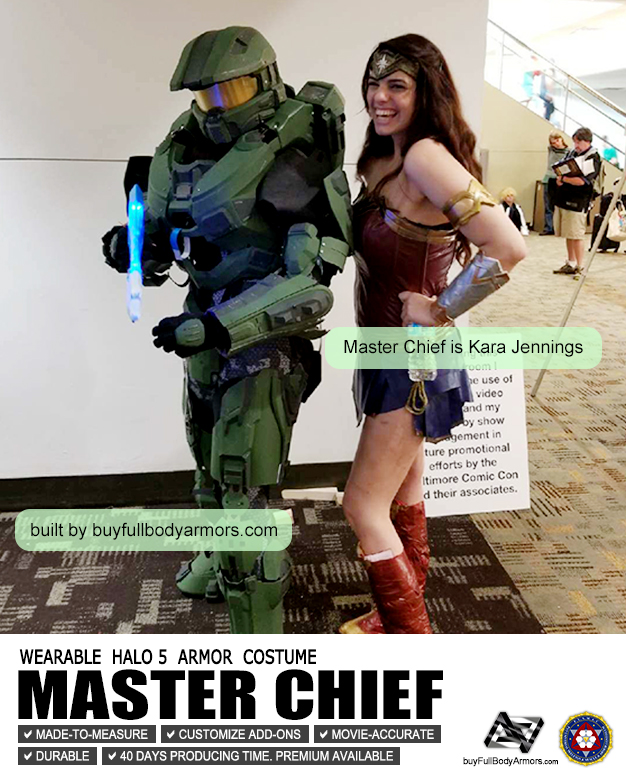
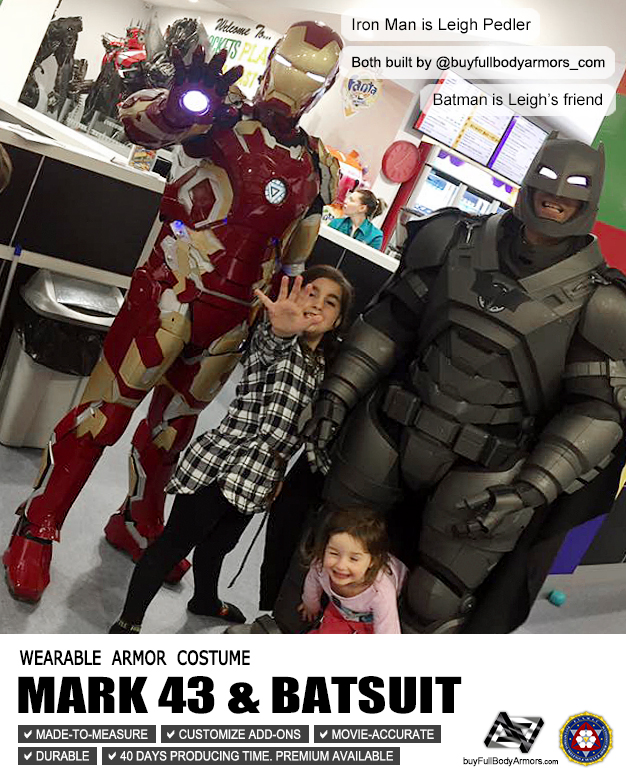
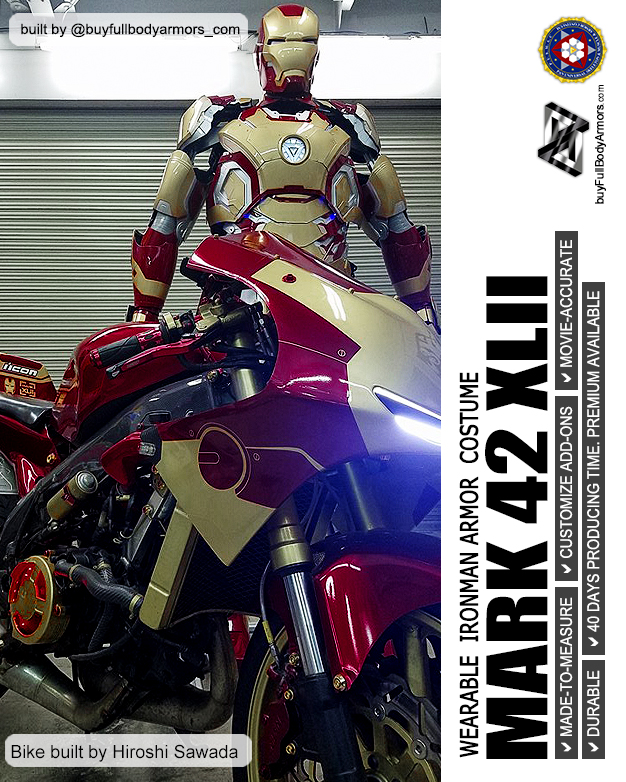
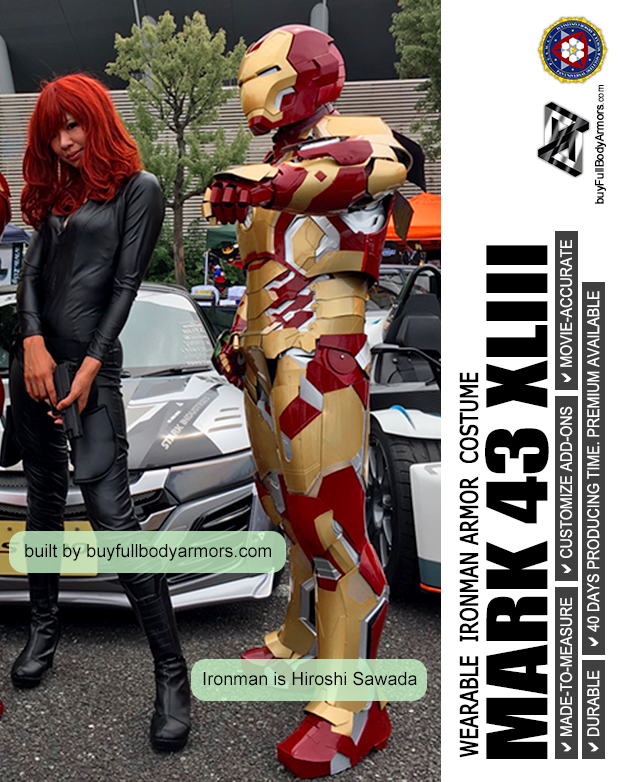
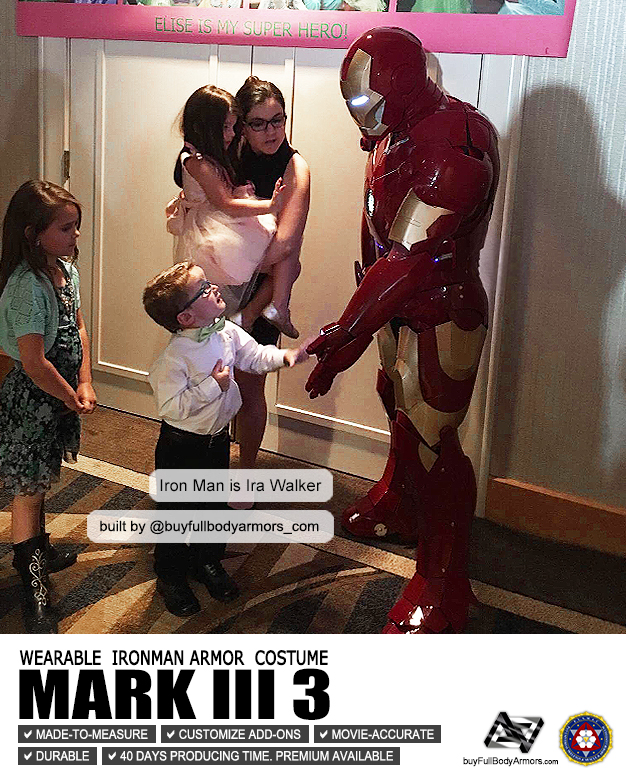
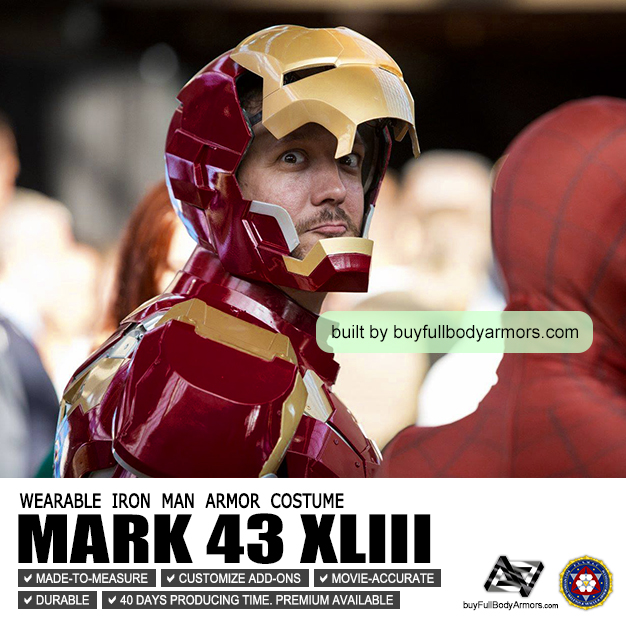
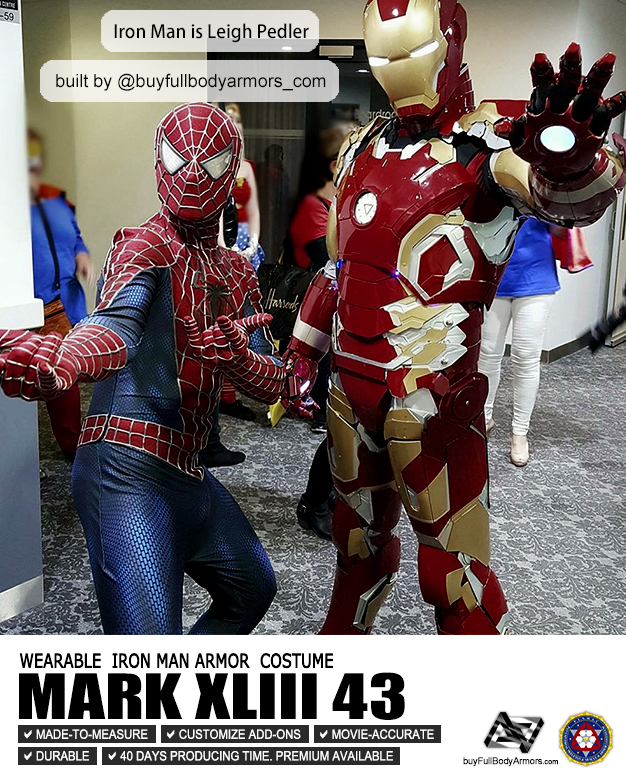
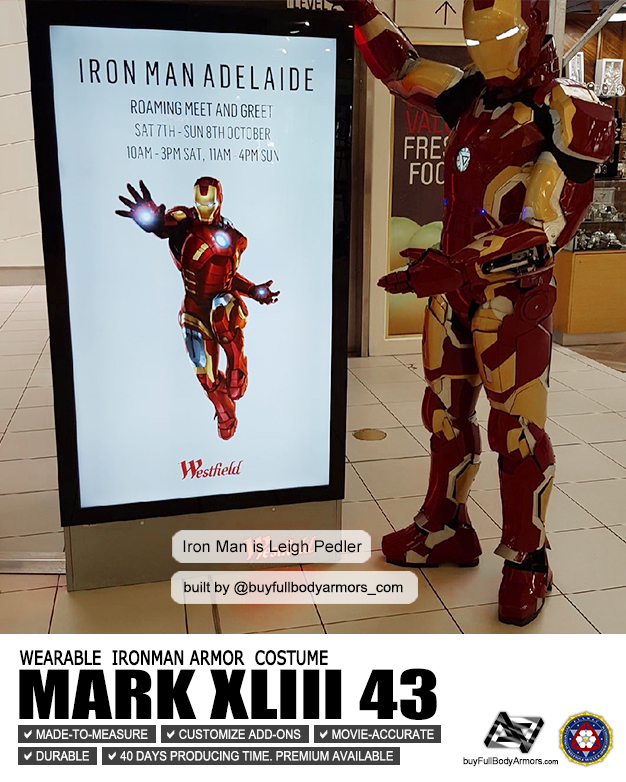
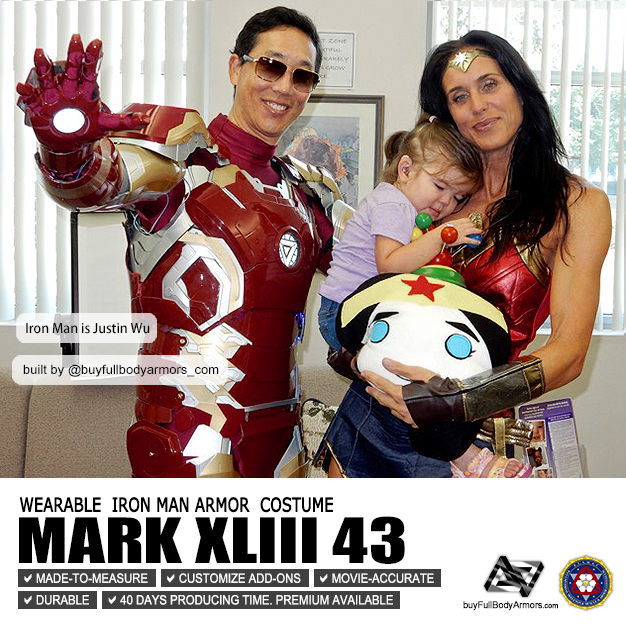
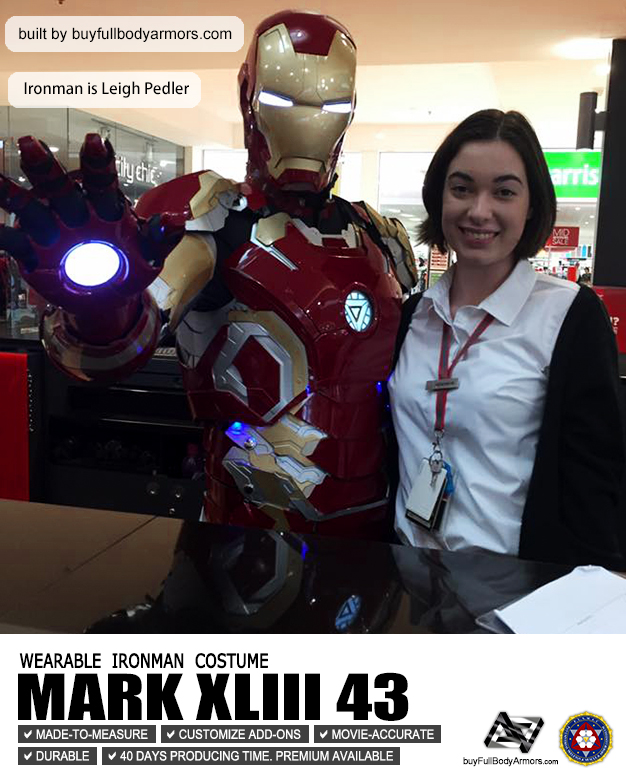
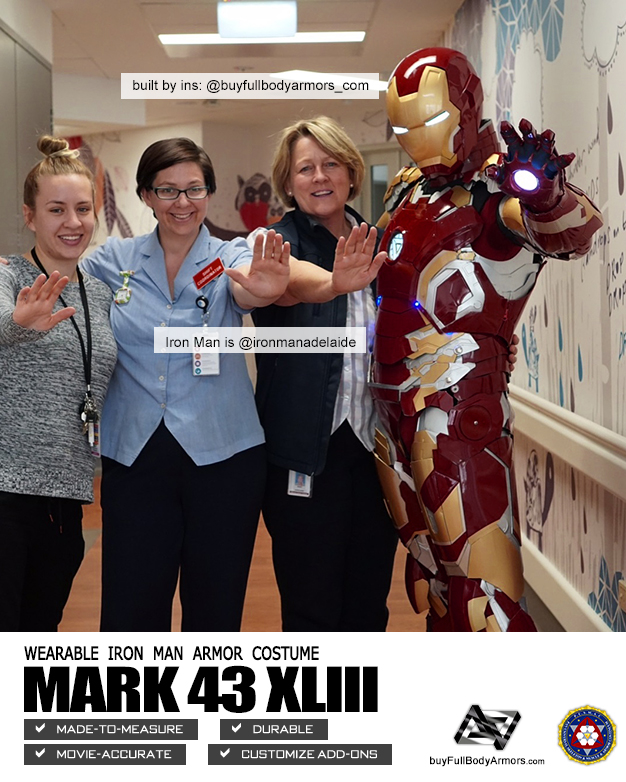
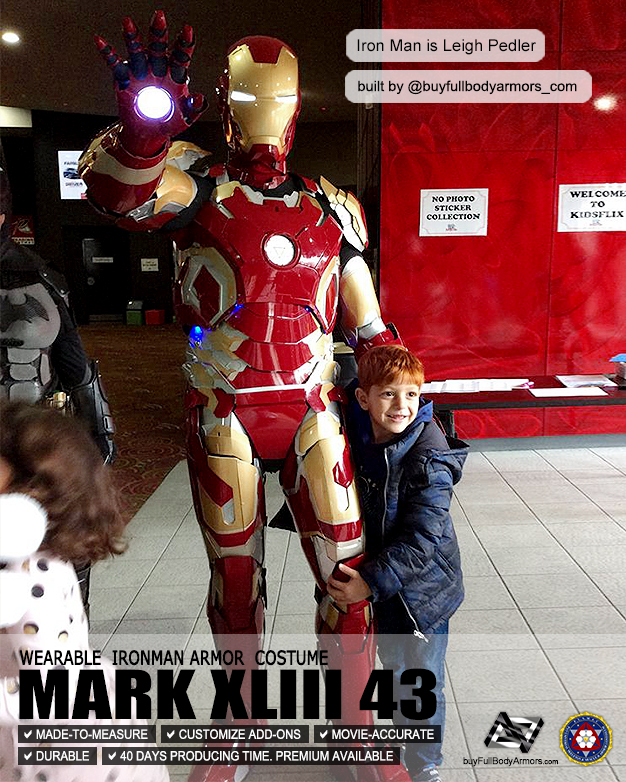
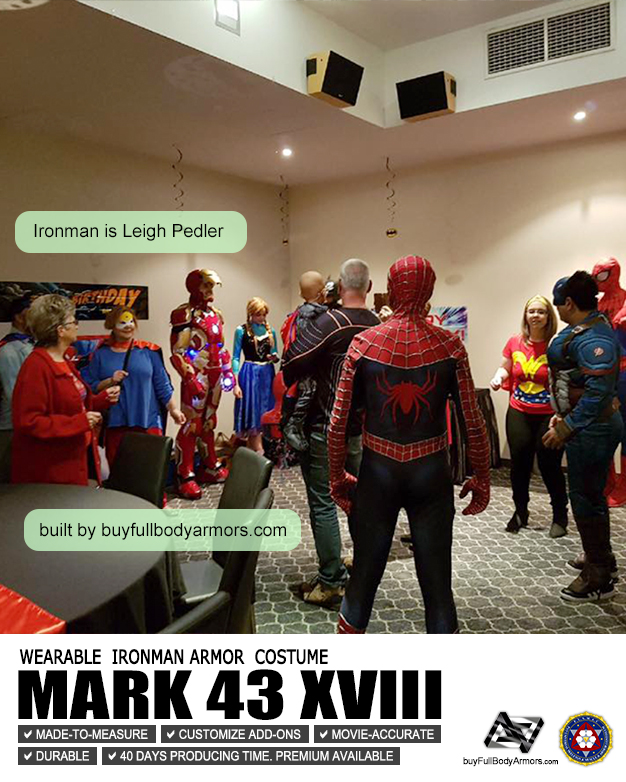
Photos from Customers - Made-to-Measure Armor Costumes - Iron Man, Batman, Halo Master Chief
Thank you, all our honorable customers all over the world!
-
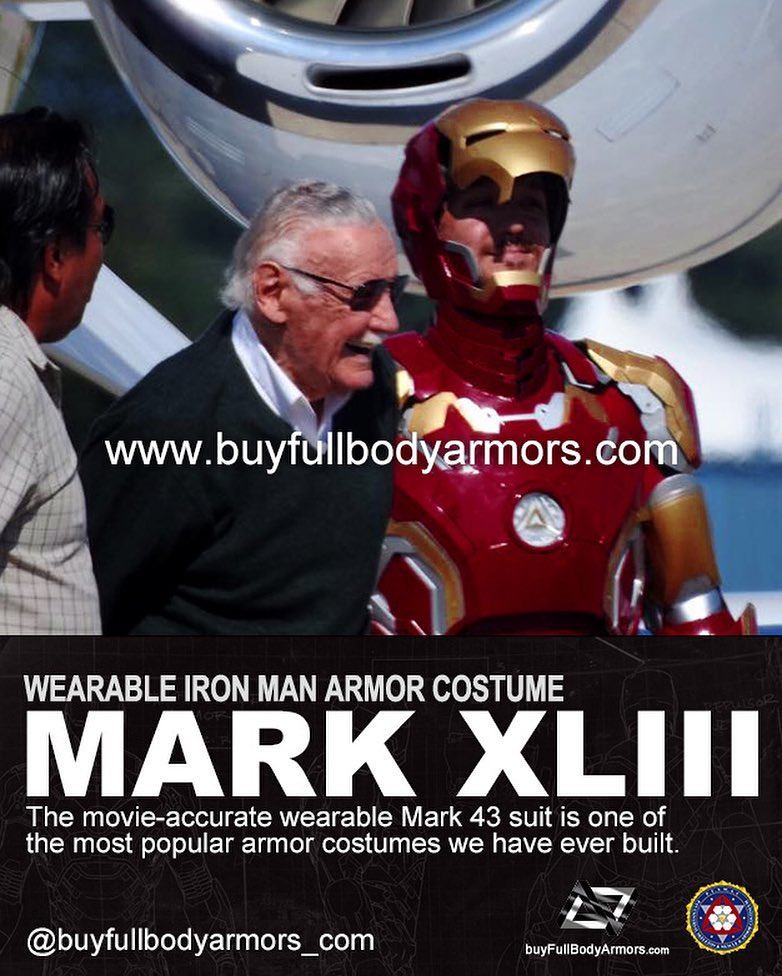
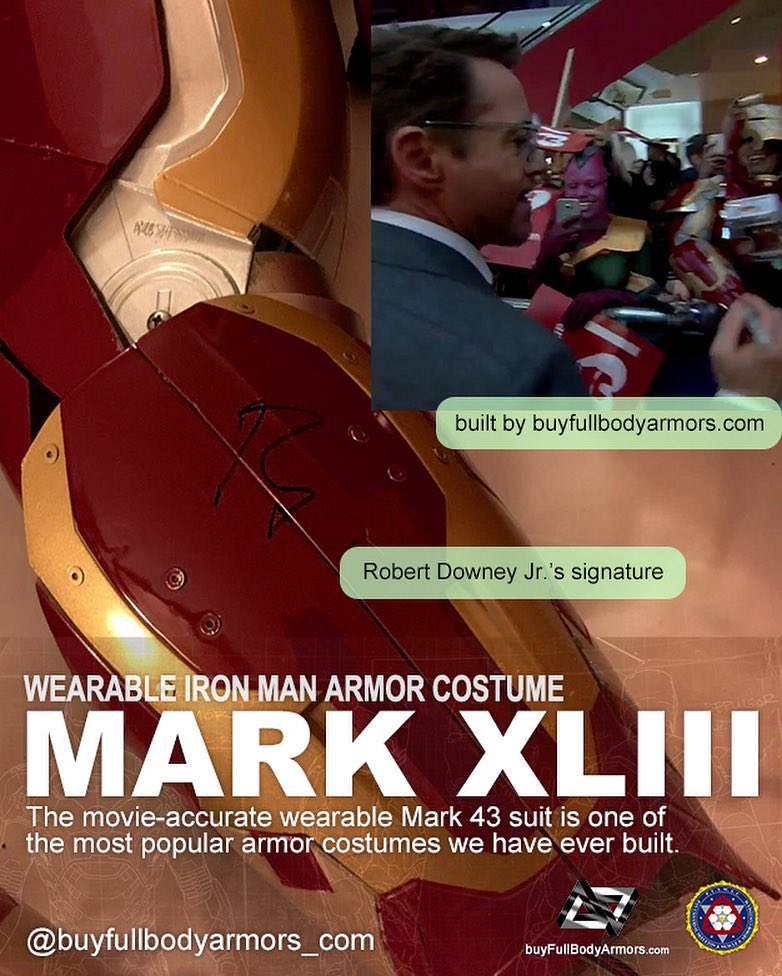
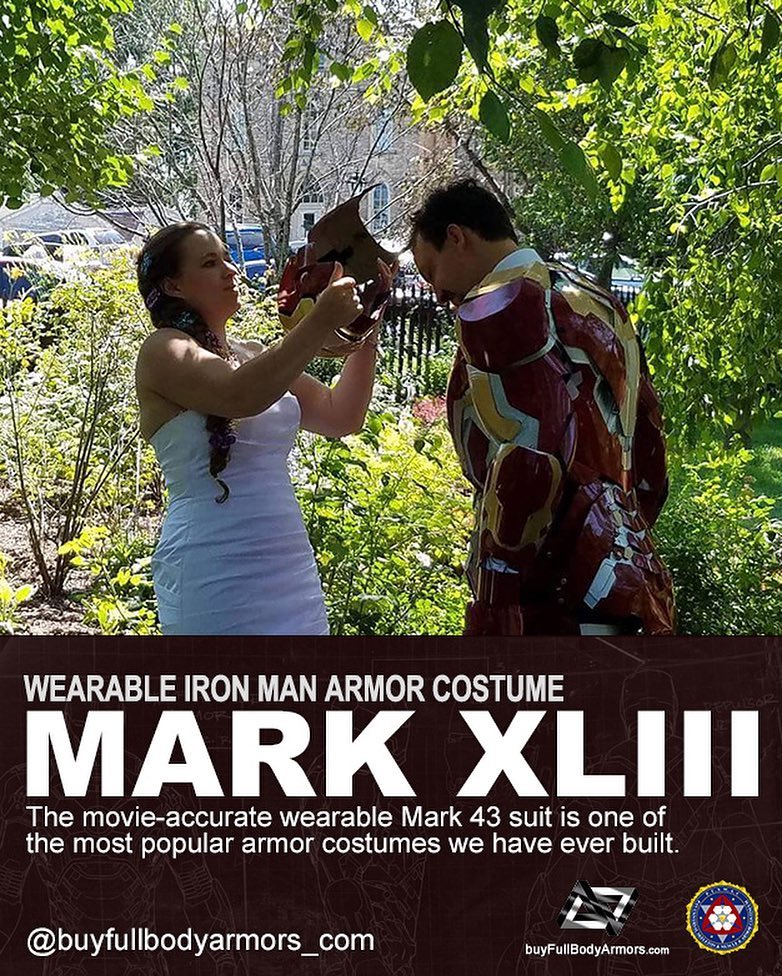
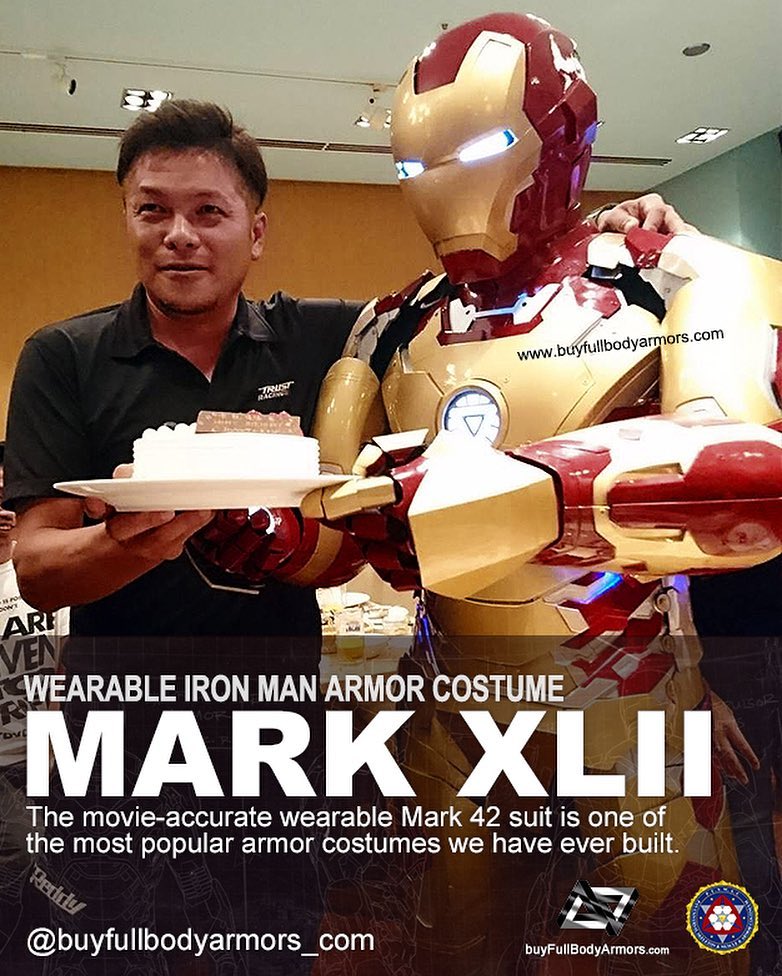
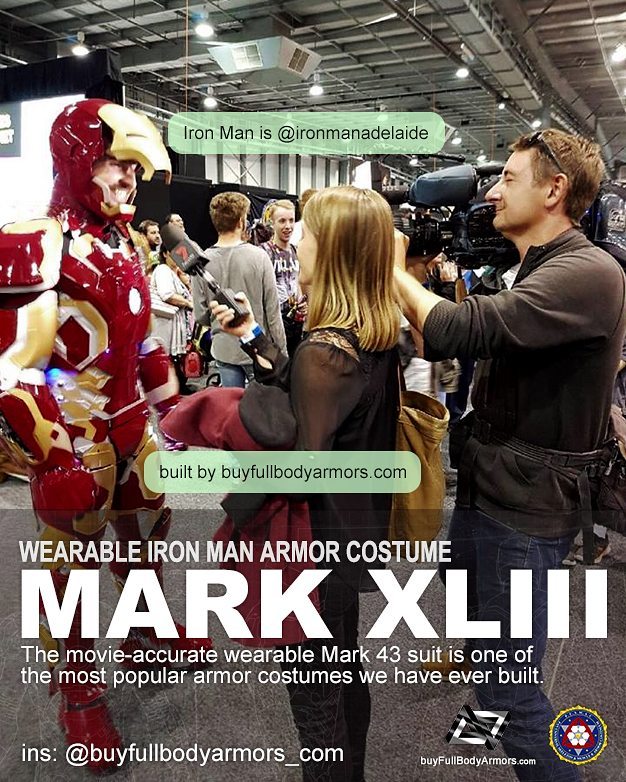
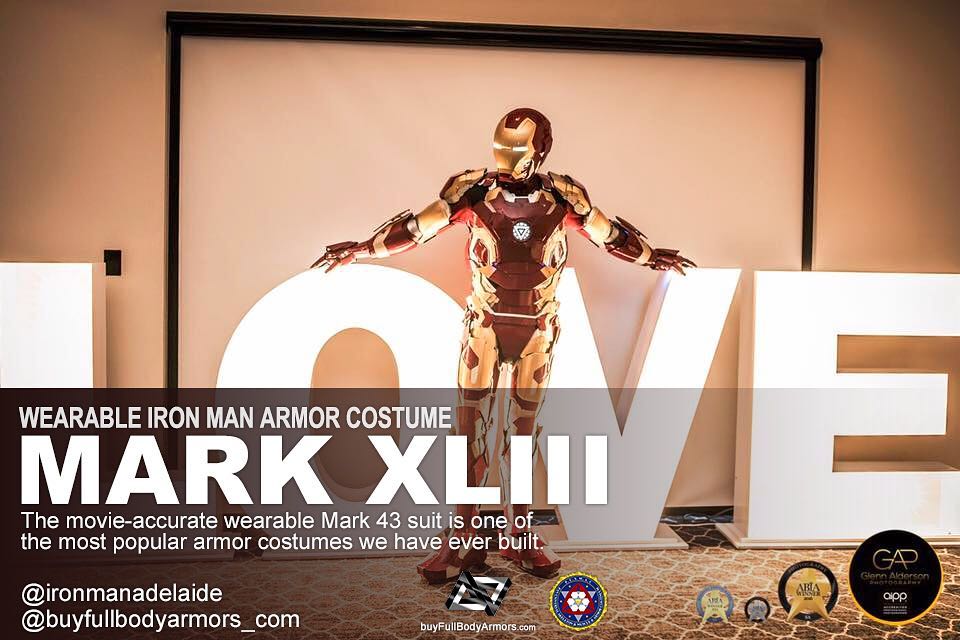
Photos from Customers - Made-to-Measure Iron Man Mark 43 XLIII Armor Cosplay Costume Suit
Thank you Brandon! Thank you Hiroshi! And Thank you Leigh!
-
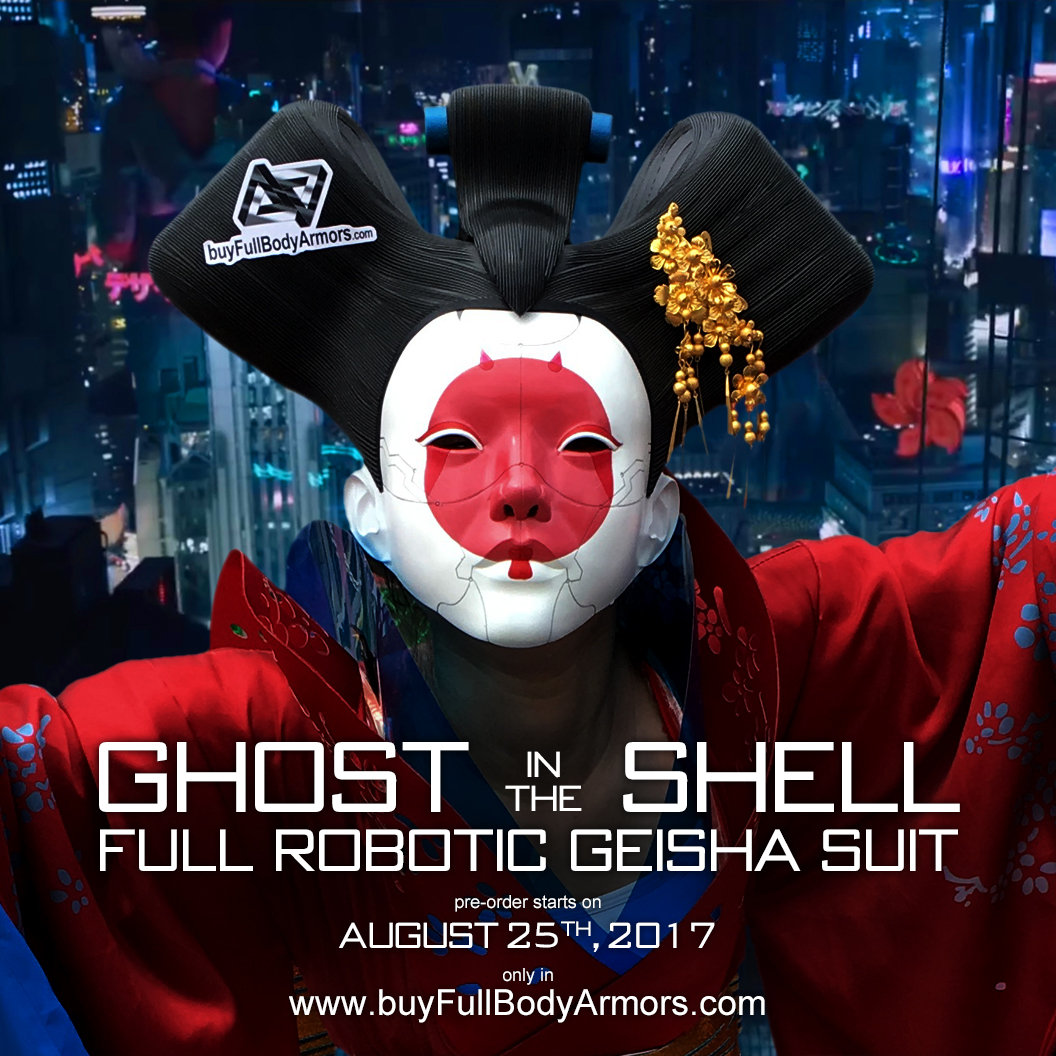
Pre-order the Wearable Robotic Geisha Full Cosplay Costume inspired from the Movie Ghost in the Shell 2017
[Special Pre-order discount] Worldwide free shipping! Starts on August 25th! The wearable Robotic Geisha suit inspired from the movie Ghost in the Shell 2017!
The ultra-realistic screen-accurate Wearable Robotic Geisha Full Cosplay Costume inspired from the Movie Ghost in the Shell 2017
-
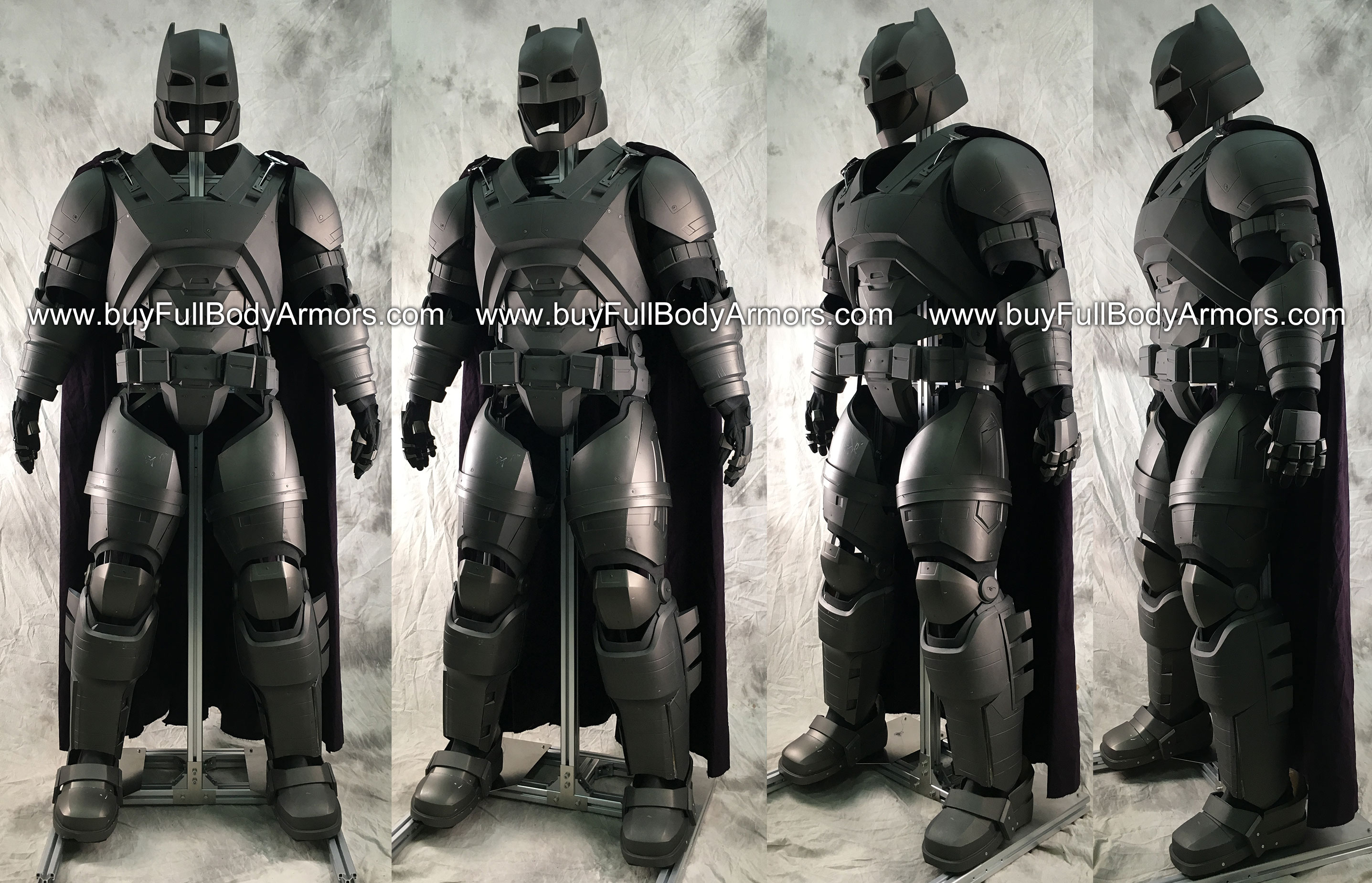
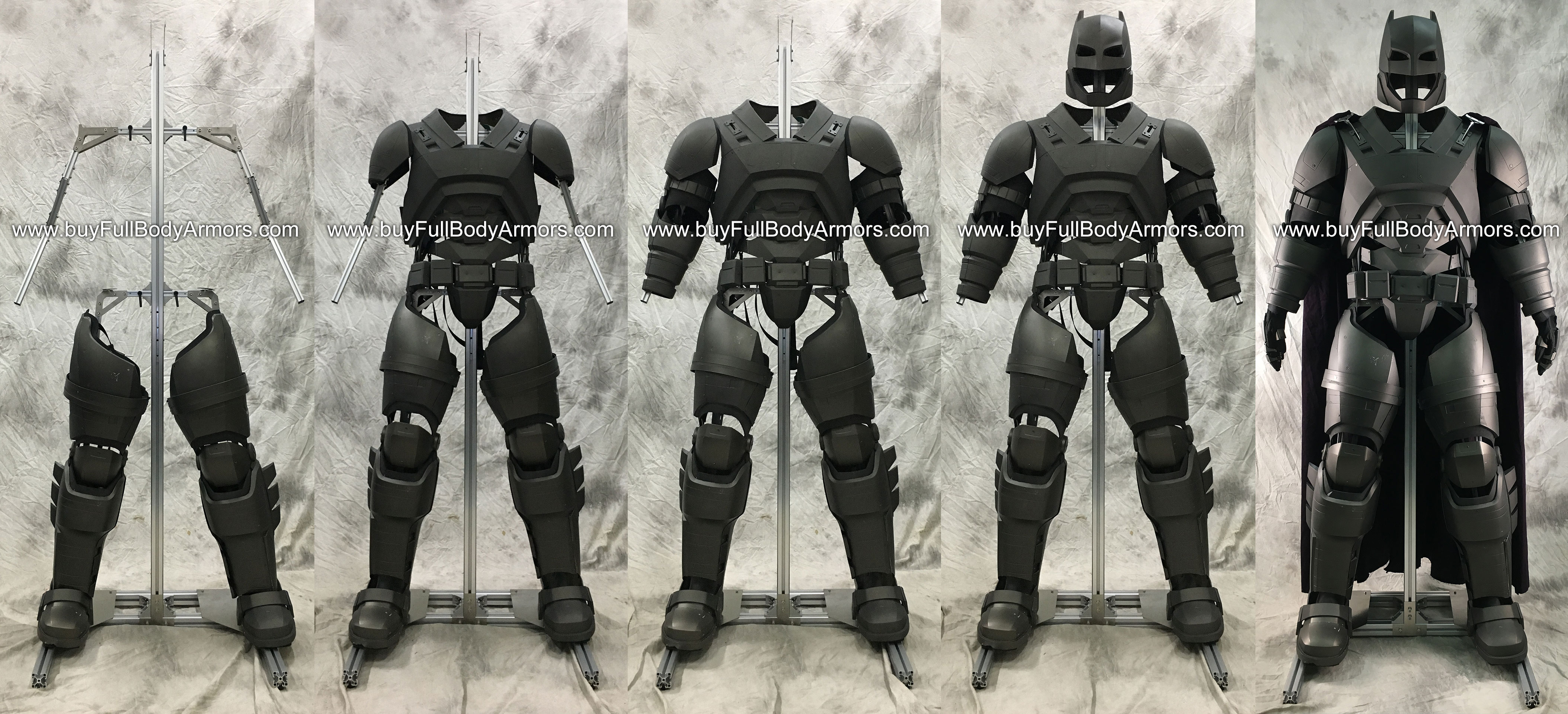
Put an Armored Batsuit Armor Costume onto a Universal Aluminium Alloy Support (UAAS)
Demonstration the wearing process of an Armored Batsuit Armor costume onto a Universal Aluminium Alloy Support (UAAS)
The UAAS allows you to store and exhibit all kinds of armor costumes.
The price is 299 USD for the original Aluminium color and 449 USD for the black color. If you want to buy a UAAS for your armor costume, please contact go@buyironmansuit.com
Follow our Instagram